
Posts
An article with your link, published in a category of your choice on each site.
- Your anchor text, placed naturally in the article
- One article per site, or one article spread across many
- Stays published, with its own URL in your report
Self-serve blog placements
Pick sites by category, attach your link and article, and the campaign publishes itself. Credits are only spent on placements that go live.
Email verification and a short review before campaigns unlock. No subscription.
Spreadsheets, DMs and a vendor who replies tomorrow.
One dashboard with the inventory, your links, every order and its report.
Pay upfront, then hope the link appears.
Prepaid credits that are only taken when a placement is live. Failures refund themselves.
"Where did my link go?"
Every placement listed with its URL and status checks. Export the lot as CSV.
How it works

Confirm your email, our team takes a quick look, and the dashboard unlocks.
Browse the inventory by category, see post counts, metrics and the price of each site, and add the ones you want to your tray.
Keep clients, links and articles in your library. Paste an article for posts, or choose a sidebar link and skip the article.
Placements publish at once or drip per day. Each one is verified and shows up in your report with its live URL.
Two ways to place a link
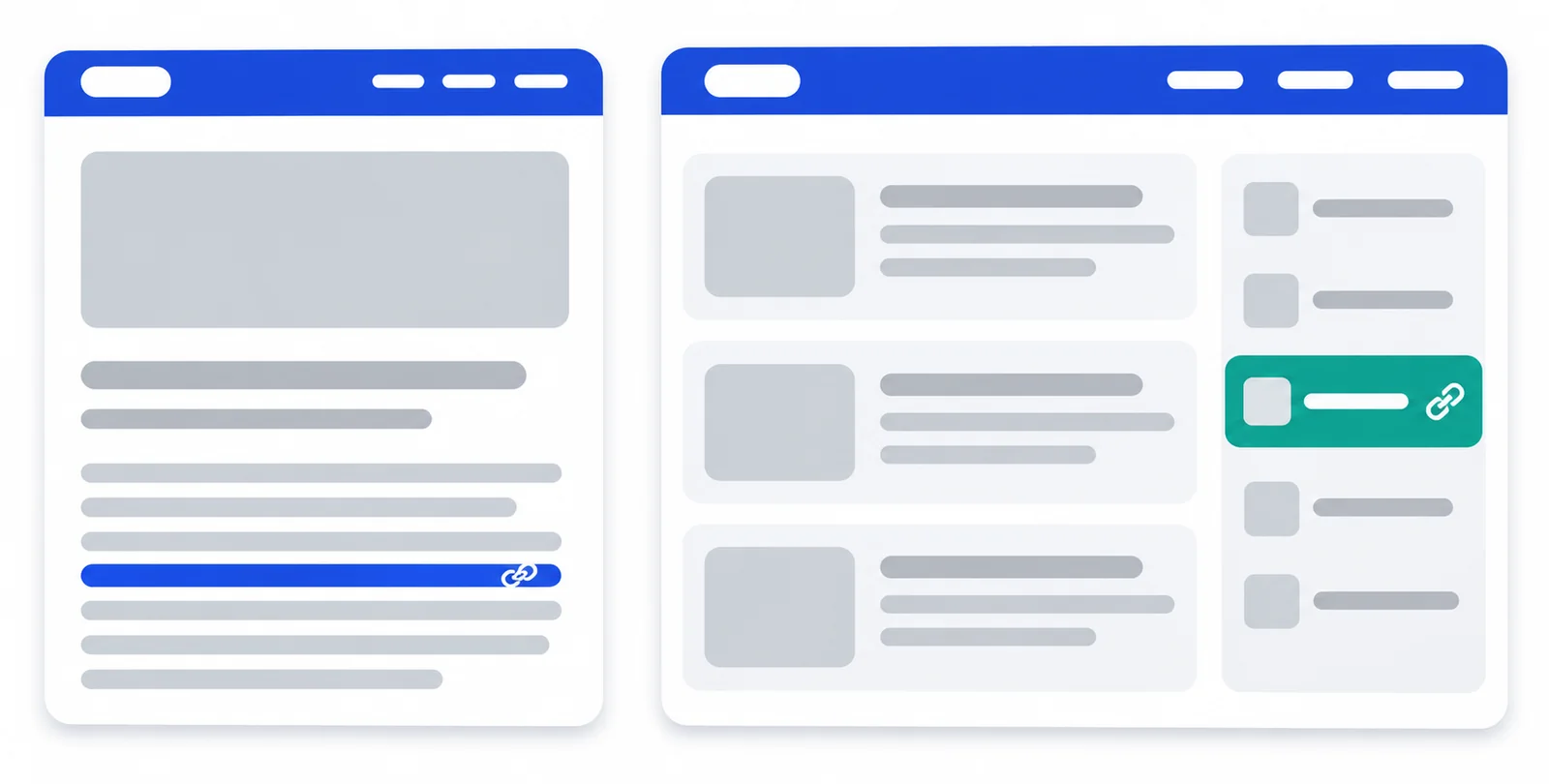
An article with your link, published in a category of your choice on each site.
Your link in the blogroll of each site. No article needed.
Inventory
Domains are shown inside the dashboard only, with each site's post count and metrics. Prices are per placement.
Credits
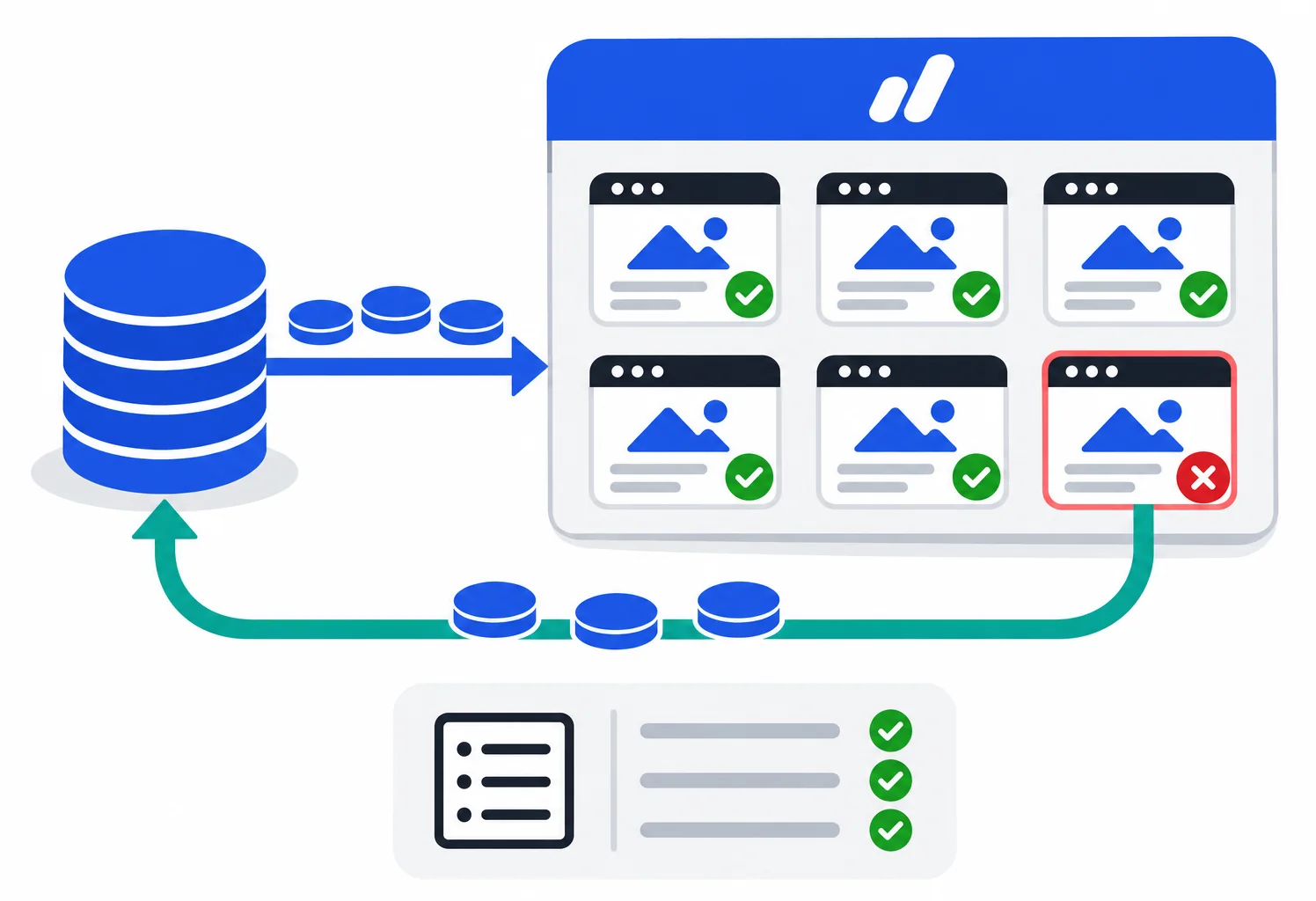
Request a top-up, our team confirms it and the credits appear in your balance. No subscription, no expiry.
The price of a campaign is shown before you confirm. A placement that fails after its retries refunds itself.
Top-ups, charges and refunds are listed with the campaign they belong to, so the balance always adds up.
Questions
For posts, yes: you bring the article (or pick one from your library) and we place your link in it. Sidebar links need no article at all.
Yes. After you sign in you see every site in the inventory with its category, post count and metrics, and you pick them one by one or by filter. Domains are not listed publicly.
That the placement goes live, or the credits come back. We do not promise rankings, traffic or indexing times. Nobody honest can.
Items queue the moment you confirm. You choose whether they publish at once, start on a date, or drip a number per day.
No guest posting programme and no public API. Placements happen through the dashboard only, which keeps the sites clean.
Anyone who confirms their email and passes a short review. Tell us what you promote when you sign up, it speeds things up.
Create an account, top up, and run your first campaign from one screen.